FEATURES
All-in-one features for productive teams
From AI meeting tools to team collaboration and analytics — everything you need to run faster and smarter.
No credit card required · Cancel anytime

Smart Agenda Builder
Melon drafts structured agendas from your calendar and docs.

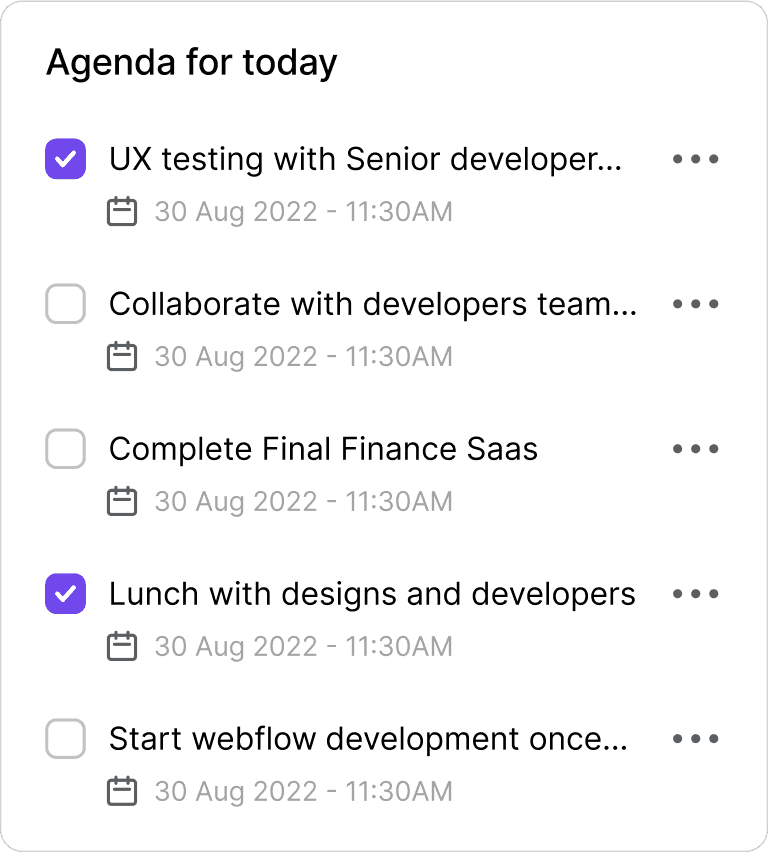
Live AI Notetaker
While you focus on talking and listening, Melon takes down clean, real-time notes accurately.

Instant Recap & Highlights
Auto-generated summaries with clear takeaways, decisions, and next steps.

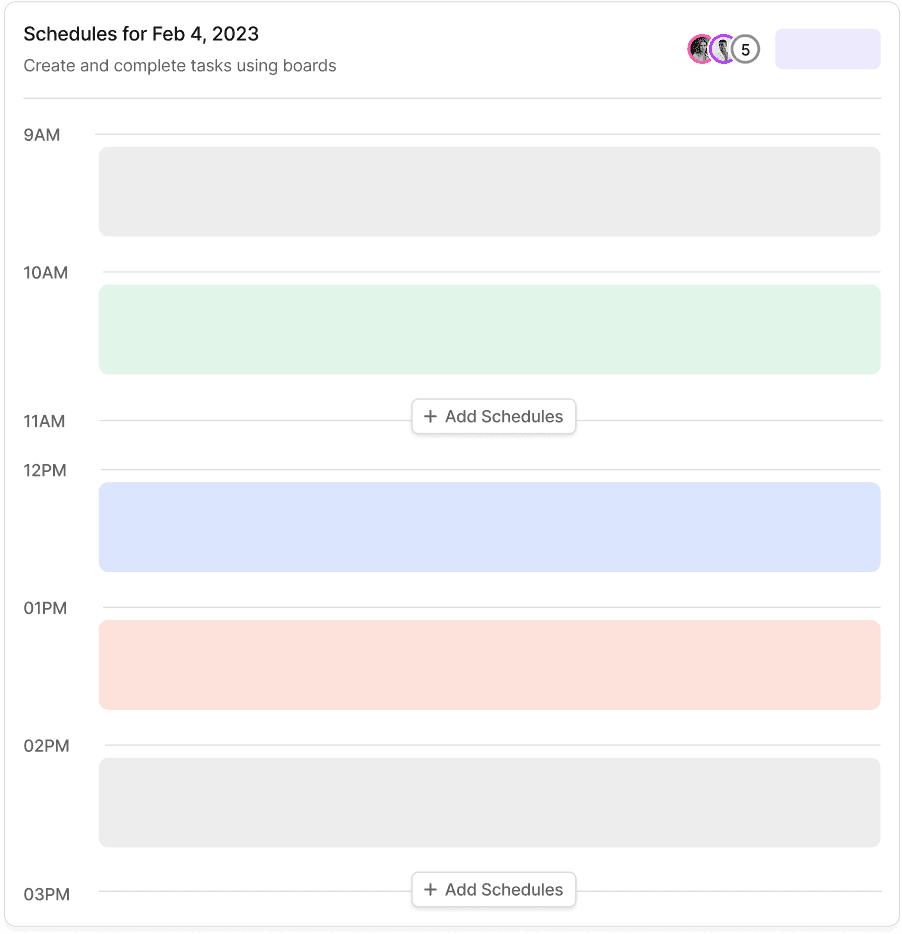
Smart Agenda Builder
Melon drafts structured agendas from your calendar and docs.
Live AI Notetaker
While you focus on talking and listening, Melon takes down clean, real-time notes accurately.
Instant Recap & Highlights
Auto-generated summaries with clear takeaways, decisions, and next steps.
Smart Agenda Builder
Melon drafts structured agendas from your calendar and docs.
Live AI Notetaker
While you focus on talking and listening, Melon takes down clean, real-time notes accurately.
Instant Recap & Highlights
Auto-generated summaries with clear takeaways, decisions, and next steps.
TRUSTED BY





TRUSTED BY
TRUSTED BY
BENEFITS
Your AI teammate for every meeting
Record or Upload Calls
Simply connect BEYND to your phone system or upload recordings - it captures every word automatically.
AI Transcription & Analysis
BEYND transcribes in real time, detects sentiment, and identifies context, emotion, and intent within each call.
Instant Insights & Actions
Get summaries, key takeaways, and next steps - ready to share with your team or sync to your CRM.

Record or Upload Calls
Simply connect BEYND to your phone system or upload recordings - it captures every word automatically.
AI Transcription & Analysis
BEYND transcribes in real time, detects sentiment, and identifies context, emotion, and intent within each call.
Instant Insights & Actions
Get summaries, key takeaways, and next steps - ready to share with your team or sync to your CRM.
Record or Upload Calls
Simply connect BEYND to your phone system or upload recordings - it captures every word automatically.
AI Transcription & Analysis
BEYND transcribes in real time, detects sentiment, and identifies context, emotion, and intent within each call.
Instant Insights & Actions
Get summaries, key takeaways, and next steps - ready to share with your team or sync to your CRM.
FEATURES
Smarter calls, clearer insights
From transcription to automation, BEYND gives your team clarity, accuracy, and control - all powered by AI.
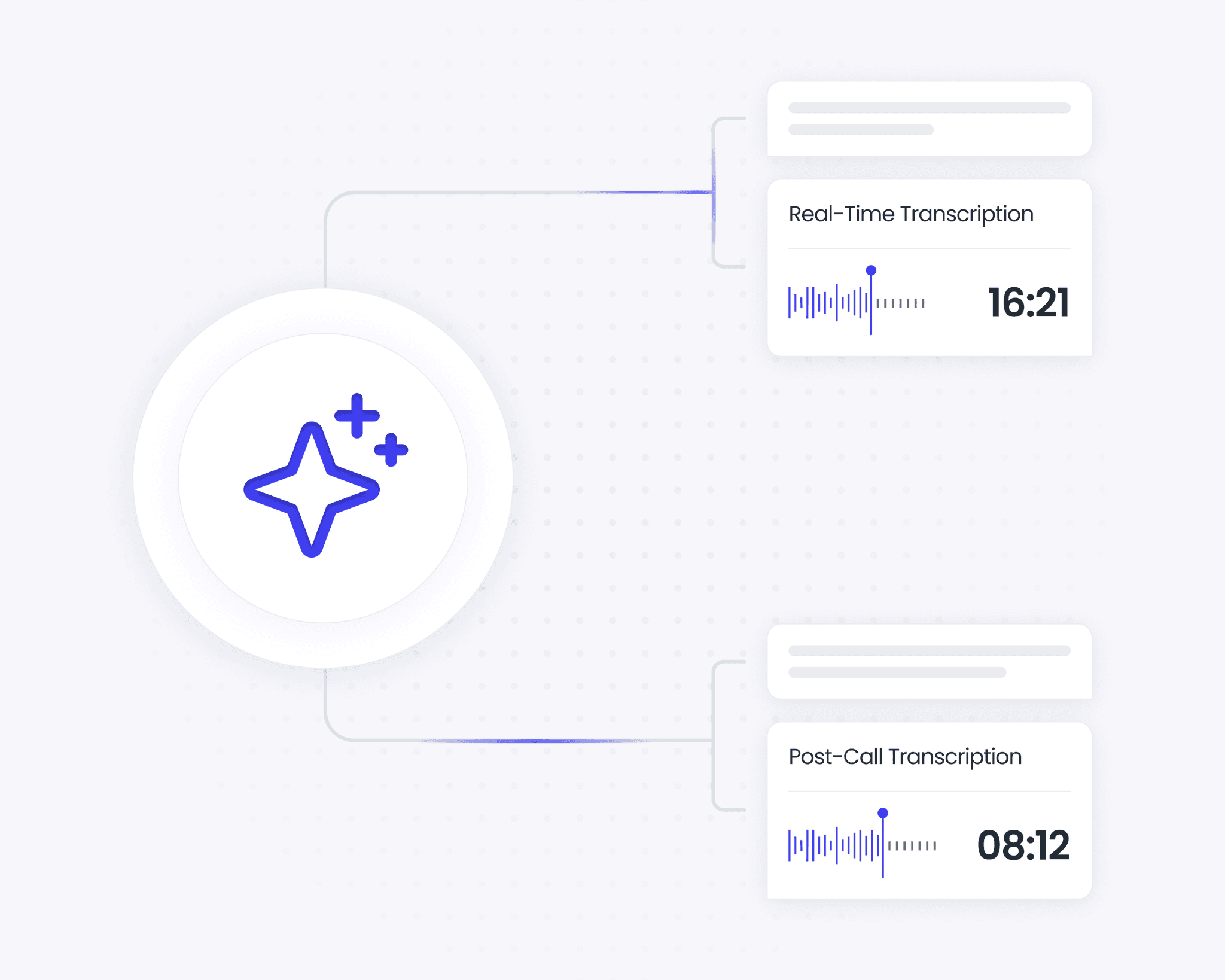
AI transcription
Real-time and post-call transcription with speaker recognition and time stamps.
Automatic summaries
Generate smart summaries for every call, highlighting key topics, action items, and follow-ups.
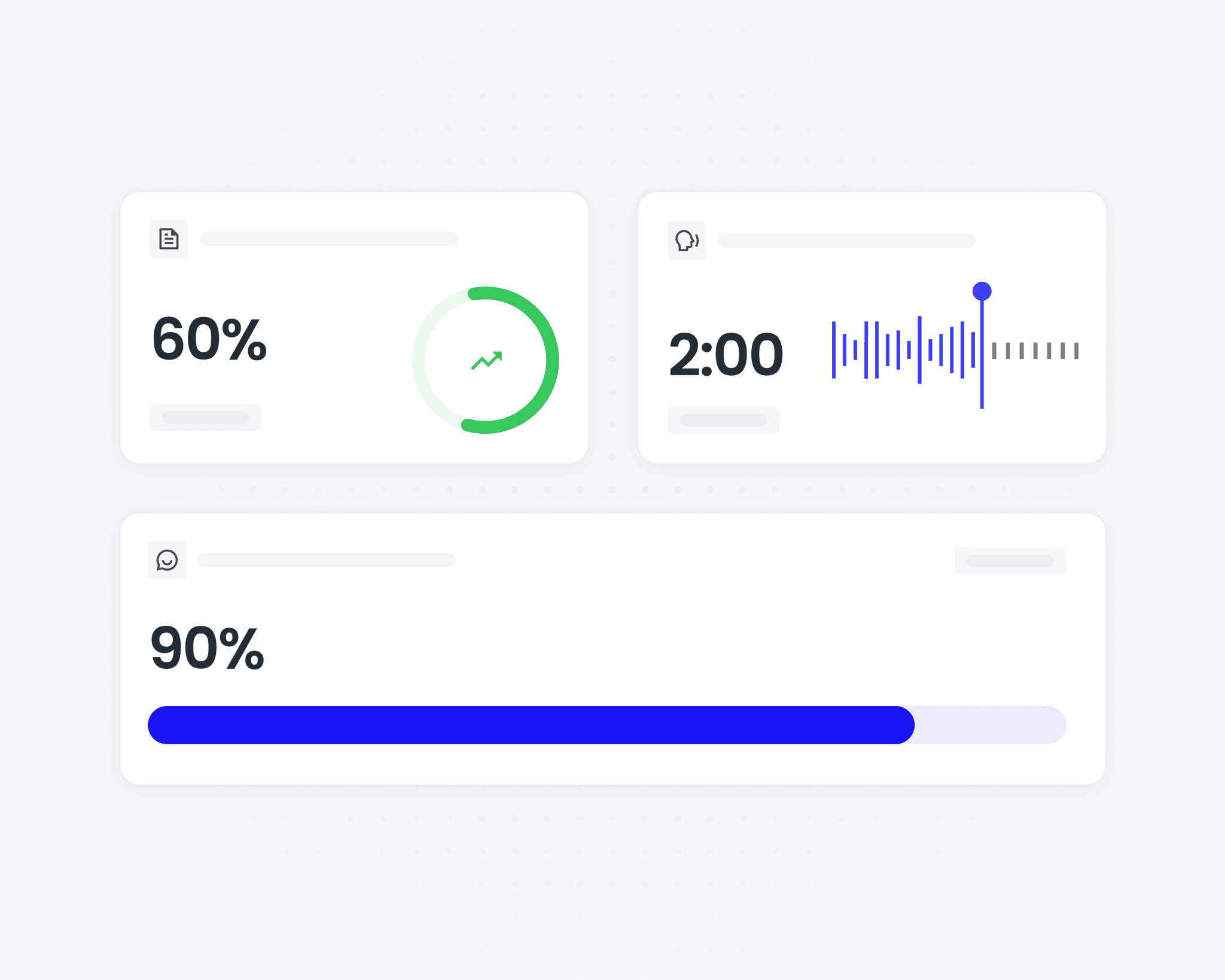
Agent Analytics
Monitor KPIs like speaking time ratio, empathy level, and script adherence.
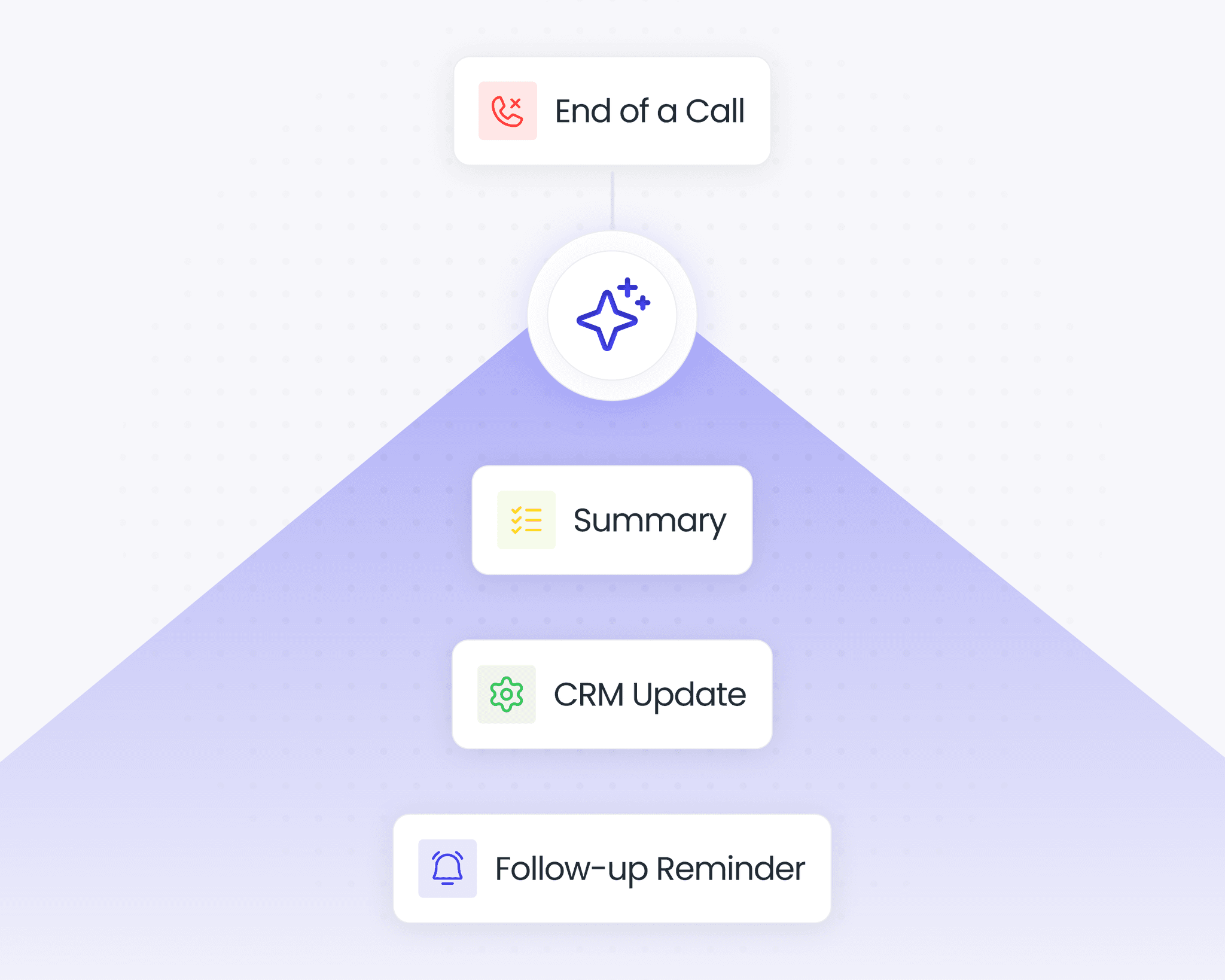
Action Automation
After each call, BEYND can schedule follow-ups, send reminders, trigger CRM updates, or share call summaries automatically.
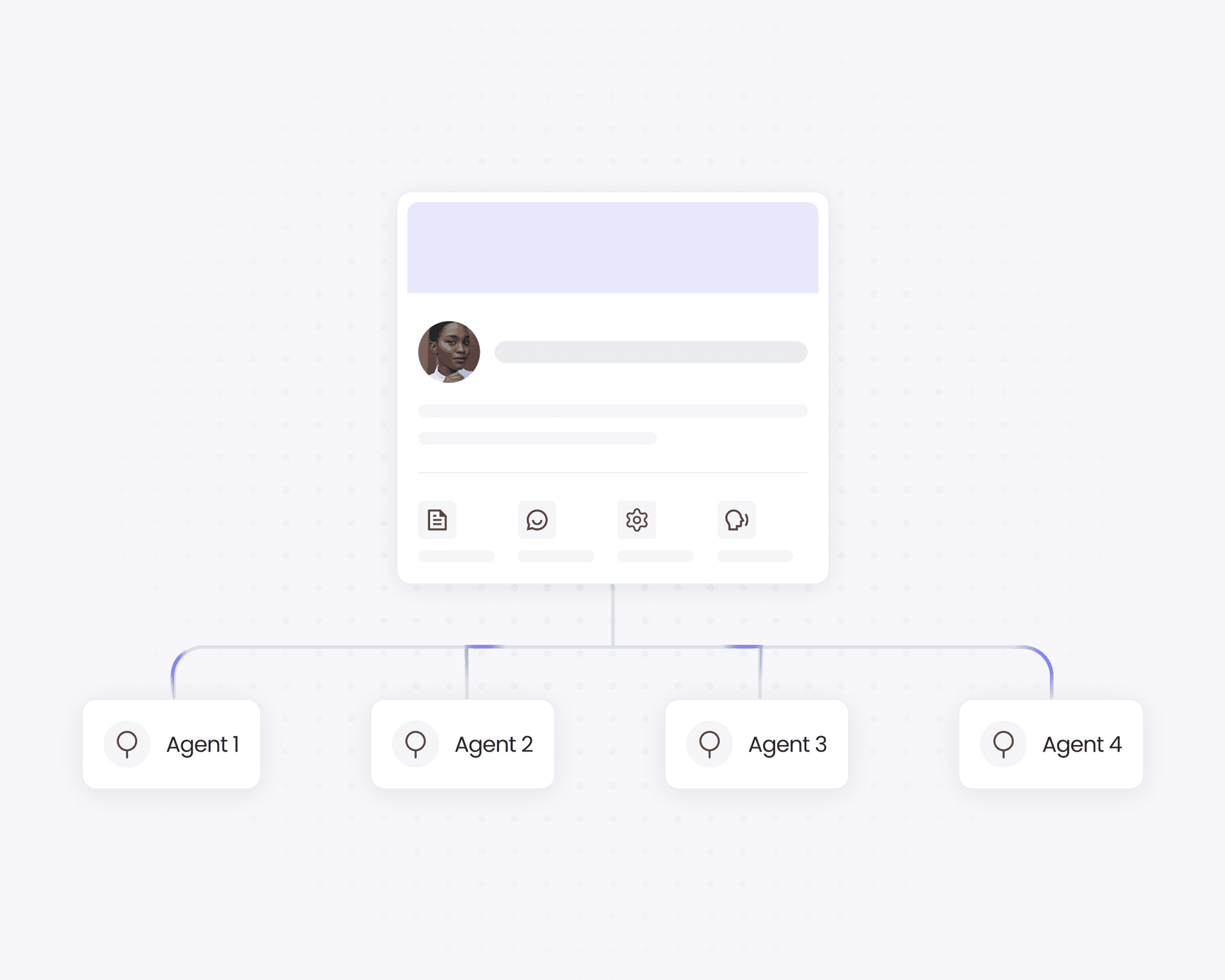
Unified Customer Understanding
The system identifies when a customer has interacted with multiple agents and builds a continuous view of the conversation history.
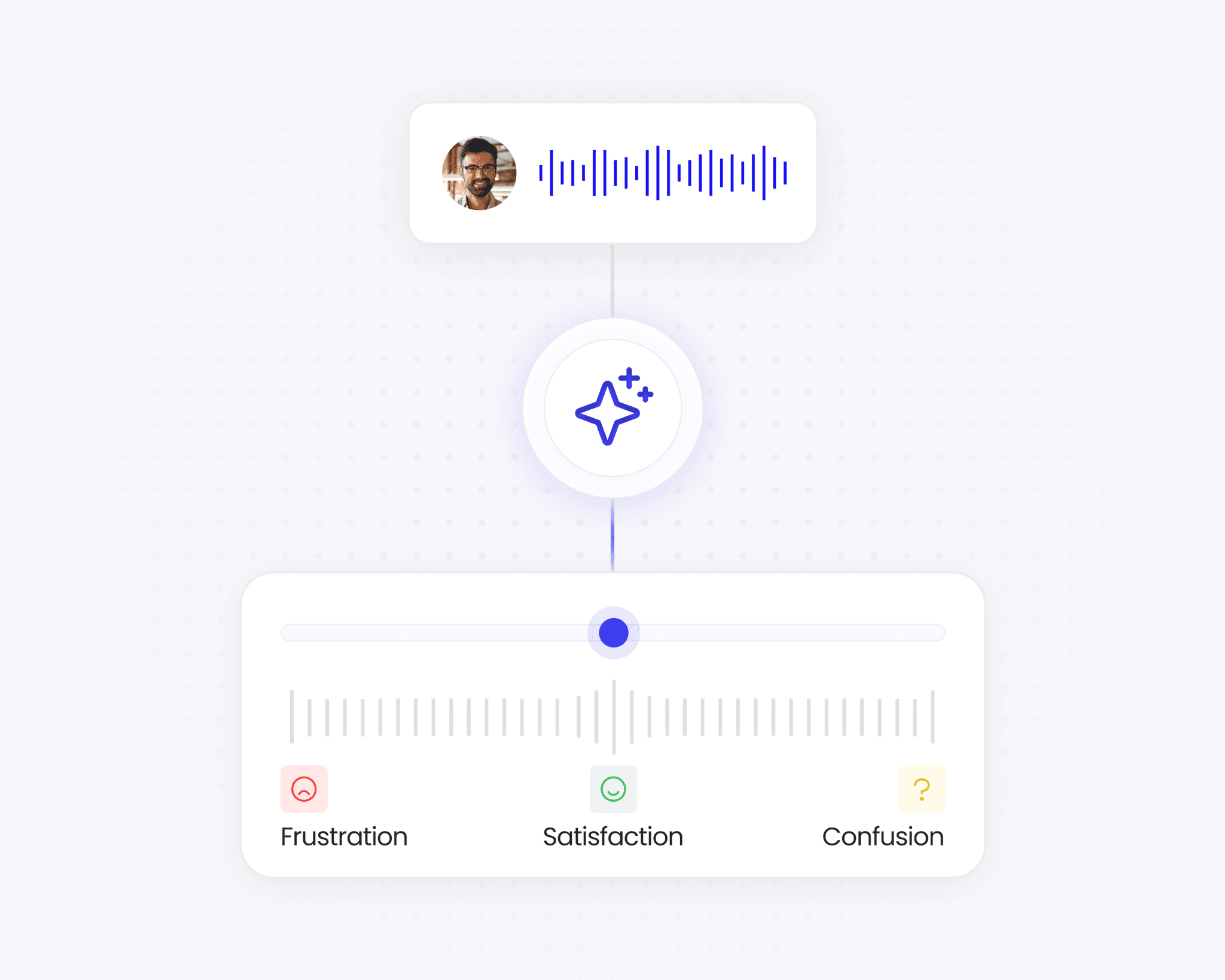
Sentiment & Emotion Detection
Detects tone and mood to understand frustration, satisfaction, or confusion.

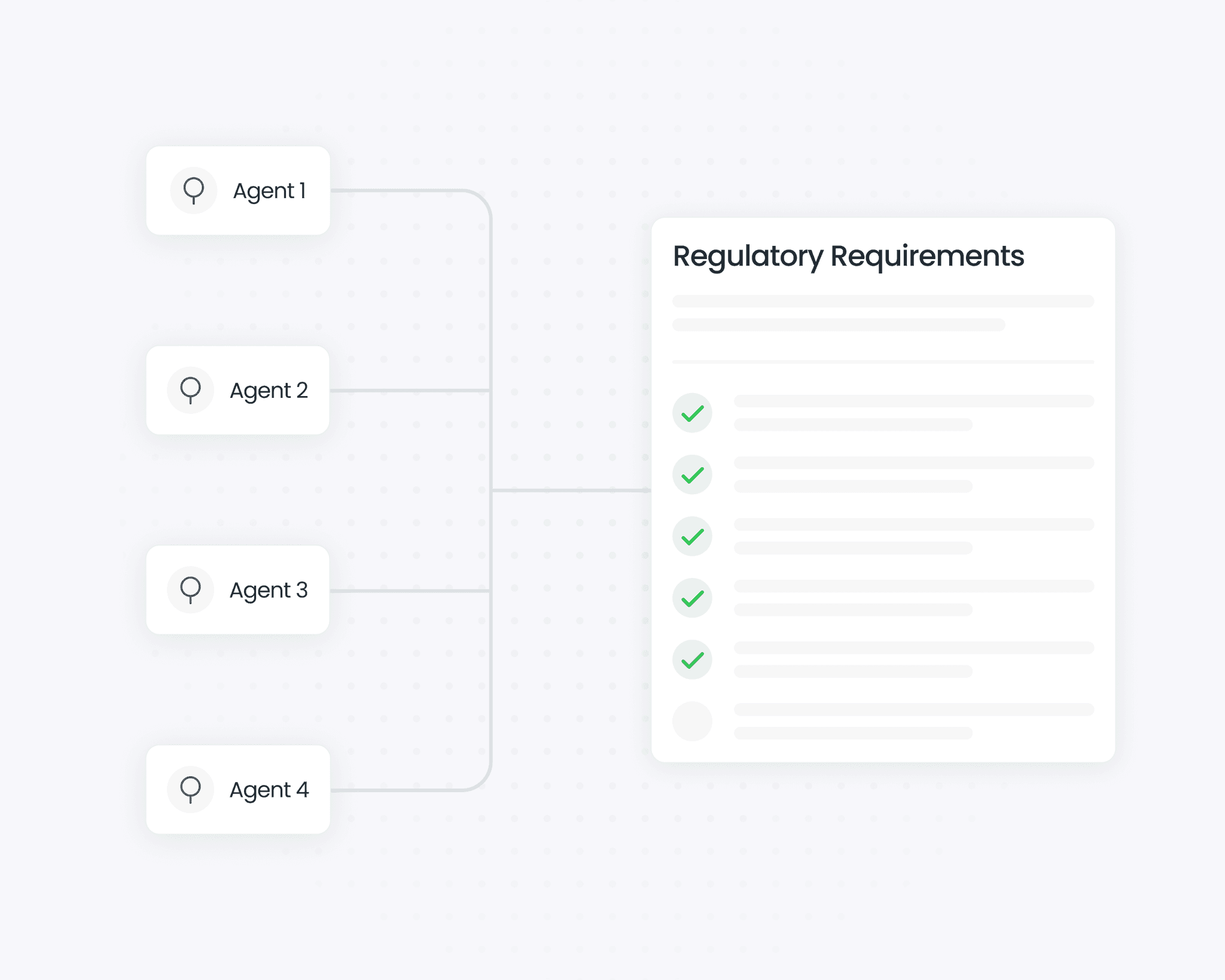
Script & Compliance Matching
Ensures agents follow approved conversation flows and meet regulatory requirements.
FEATURES
Smarter calls, clearer insights
From transcription to automation, BEYND gives your team clarity, accuracy, and control - all powered by AI.
AI transcription
Real-time and post-call transcription with speaker recognition and time stamps.
Automatic summaries
Generate smart summaries for every call, highlighting key topics, action items, and follow-ups.
Agent Analytics
Monitor KPIs like speaking time ratio, empathy level, and script adherence.
Action Automation
After each call, BEYND can schedule follow-ups, send reminders, trigger CRM updates, or share call summaries automatically.
Unified Customer Understanding
The system identifies when a customer has interacted with multiple agents and builds a continuous view of the conversation history.
Sentiment & Emotion Detection
Detects tone and mood to understand frustration, satisfaction, or confusion.
Script & Compliance Matching
Ensures agents follow approved conversation flows and meet regulatory requirements.
FEATURES
Smarter calls, clearer insights
From transcription to automation, BEYND gives your team clarity, accuracy, and control - all powered by AI.
AI transcription
Real-time and post-call transcription with speaker recognition and time stamps.
Automatic summaries
Generate smart summaries for every call, highlighting key topics, action items, and follow-ups.
Agent Analytics
Monitor KPIs like speaking time ratio, empathy level, and script adherence.
Action Automation
After each call, BEYND can schedule follow-ups, send reminders, trigger CRM updates, or share call summaries automatically.
Unified Customer Understanding
The system identifies when a customer has interacted with multiple agents and builds a continuous view of the conversation history.
Sentiment & Emotion Detection
Detects tone and mood to understand frustration, satisfaction, or confusion.
Script & Compliance Matching
Ensures agents follow approved conversation flows and meet regulatory requirements.
TESTIMONIALS
What our clients are saying
Everything you need to know about using our AI assistant, from setup to security. Still curious? Drop us a message and we’ll get right back to you.
The real-time transcripts and speaker tracking are perfect for our calls and following up with clarity.

Martin Ekstrom Bothman
The automatic notes and AI-generated insights are perfect for our team and improving productivity fast.

Marilyn George
The meeting summaries and smart recaps are perfect for saving time and keeping our team aligned.

Cristofer Levin
The real-time transcripts and speaker tracking are perfect for our calls and following up with clarity.
Martin Ekstrom Bothman
The automatic notes and AI-generated insights are perfect for our team and improving productivity fast.
Marilyn George
The meeting summaries and smart recaps are perfect for saving time and keeping our team aligned.
Cristofer Levin

Hello 👋 I’m Jake from support.
Let me know if you have any questions.
Contact Us
TESTIMONIALS
What our clients are saying
Everything you need to know about using our AI assistant, from setup to security. Still curious? Drop us a message and we’ll get right back to you.
The real-time transcripts and speaker tracking are perfect for our calls and following up with clarity.
Martin Ekstrom Bothman
The automatic notes and AI-generated insights are perfect for our team and improving productivity fast.
Marilyn George
The meeting summaries and smart recaps are perfect for saving time and keeping our team aligned.
Cristofer Levin
The real-time transcripts and speaker tracking are perfect for our calls and following up with clarity.
Martin Ekstrom Bothman
The automatic notes and AI-generated insights are perfect for our team and improving productivity fast.
Marilyn George
The meeting summaries and smart recaps are perfect for saving time and keeping our team aligned.
Cristofer Levin
Hello 👋 I’m Jake from support.
Let me know if you have any questions.
Contact Us
TESTIMONIALS
What our clients are saying
Everything you need to know about using our AI assistant, from setup to security. Still curious? Drop us a message and we’ll get right back to you.
The real-time transcripts and speaker tracking are perfect for our calls and following up with clarity.
Martin Ekstrom Bothman
The automatic notes and AI-generated insights are perfect for our team and improving productivity fast.
Marilyn George
The meeting summaries and smart recaps are perfect for saving time and keeping our team aligned.
Cristofer Levin
The real-time transcripts and speaker tracking are perfect for our calls and following up with clarity.
Martin Ekstrom Bothman
The automatic notes and AI-generated insights are perfect for our team and improving productivity fast.
Marilyn George
The meeting summaries and smart recaps are perfect for saving time and keeping our team aligned.
Cristofer Levin
Hello 👋 I’m Jake from support.
Let me know if you have any questions.
Contact Us
FAQs
Frequently Asked Questions
Everything you need to know about using our AI assistant, from setup to security. Still curious? Drop us a message and we’ll get right back to you.

A digital one-stop shop offering premium Framer & Figma templates, resources, and digital designs. Specializing in web design, we deliver stunning and functional UI/UX solutions for B2B and B2C brands looking to make a lasting impact.
The CustomAccordion component is designed to make it easier for users to organize content like FAQs. With this component, you don’t have to manually link each question and answer inside Framer. Instead, you can automatically generate as many questions and answers as you need by using a simple dropdown control—making it perfect for users of all experience levels.
Absolutely! With CustomAccordion, you have full control over design elements like the background color, border radius, fonts, icons, and more. This allows you to integrate the component seamlessly into your project while maintaining a consistent look with your overall design.
CustomAccordion is ideal for both beginners and experienced Framer users. If you’re not familiar with Framer’s inner workings, this component saves you time by automating the creation of questions and answers. For advanced users, it offers full customization options so you can tailor the design and functionality to meet your specific needs.
Yes, the CustomAccordion component is fully responsive and mobile-friendly. It works seamlessly on both desktop and mobile devices, ensuring that your content remains organized and easily accessible, no matter what platform your users are on.
FAQs
Frequently Asked Questions
Everything you need to know about using our AI assistant, from setup to security. Still curious? Drop us a message and we’ll get right back to you.
A digital one-stop shop offering premium Framer & Figma templates, resources, and digital designs. Specializing in web design, we deliver stunning and functional UI/UX solutions for B2B and B2C brands looking to make a lasting impact.
The CustomAccordion component is designed to make it easier for users to organize content like FAQs. With this component, you don’t have to manually link each question and answer inside Framer. Instead, you can automatically generate as many questions and answers as you need by using a simple dropdown control—making it perfect for users of all experience levels.
Absolutely! With CustomAccordion, you have full control over design elements like the background color, border radius, fonts, icons, and more. This allows you to integrate the component seamlessly into your project while maintaining a consistent look with your overall design.
CustomAccordion is ideal for both beginners and experienced Framer users. If you’re not familiar with Framer’s inner workings, this component saves you time by automating the creation of questions and answers. For advanced users, it offers full customization options so you can tailor the design and functionality to meet your specific needs.
Yes, the CustomAccordion component is fully responsive and mobile-friendly. It works seamlessly on both desktop and mobile devices, ensuring that your content remains organized and easily accessible, no matter what platform your users are on.
FAQs
Frequently Asked Questions
Everything you need to know about using our AI assistant, from setup to security. Still curious? Drop us a message and we’ll get right back to you.
A digital one-stop shop offering premium Framer & Figma templates, resources, and digital designs. Specializing in web design, we deliver stunning and functional UI/UX solutions for B2B and B2C brands looking to make a lasting impact.
The CustomAccordion component is designed to make it easier for users to organize content like FAQs. With this component, you don’t have to manually link each question and answer inside Framer. Instead, you can automatically generate as many questions and answers as you need by using a simple dropdown control—making it perfect for users of all experience levels.
Absolutely! With CustomAccordion, you have full control over design elements like the background color, border radius, fonts, icons, and more. This allows you to integrate the component seamlessly into your project while maintaining a consistent look with your overall design.
CustomAccordion is ideal for both beginners and experienced Framer users. If you’re not familiar with Framer’s inner workings, this component saves you time by automating the creation of questions and answers. For advanced users, it offers full customization options so you can tailor the design and functionality to meet your specific needs.
Yes, the CustomAccordion component is fully responsive and mobile-friendly. It works seamlessly on both desktop and mobile devices, ensuring that your content remains organized and easily accessible, no matter what platform your users are on.
UPGRADE YOUR MEETINGS
Go BEYND with your customer conversations.
UPGRADE YOUR MEETINGS
Go BEYND with your customer conversations.
UPGRADE YOUR MEETINGS